prep
Preparing Face Crops
Section titled “Preparing Face Crops”Morphace handles size mismatches, but it cannot make every composition line up. A close-up portrait and a full-body distance shot can both contain detectable faces, but the morph will spend too much motion on background and body area. (Refer to the gallery for examples)
Run those images through morphace-prep when you want the transition to focus
on faces. The prep command detects every face in each source image, calculates
an alignment quadrilateral from the 68 landmarks, prepares the source canvas,
and warps each face into a square PNG.
Prep Image Example
Section titled “Prep Image Example”The example below shows an image before and after being processed.
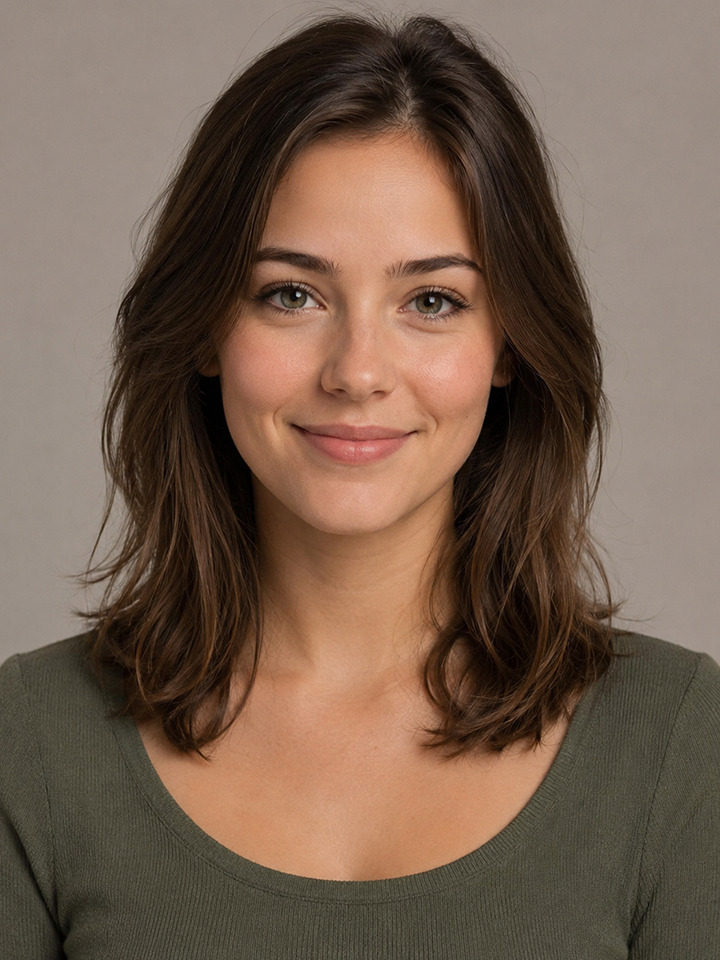
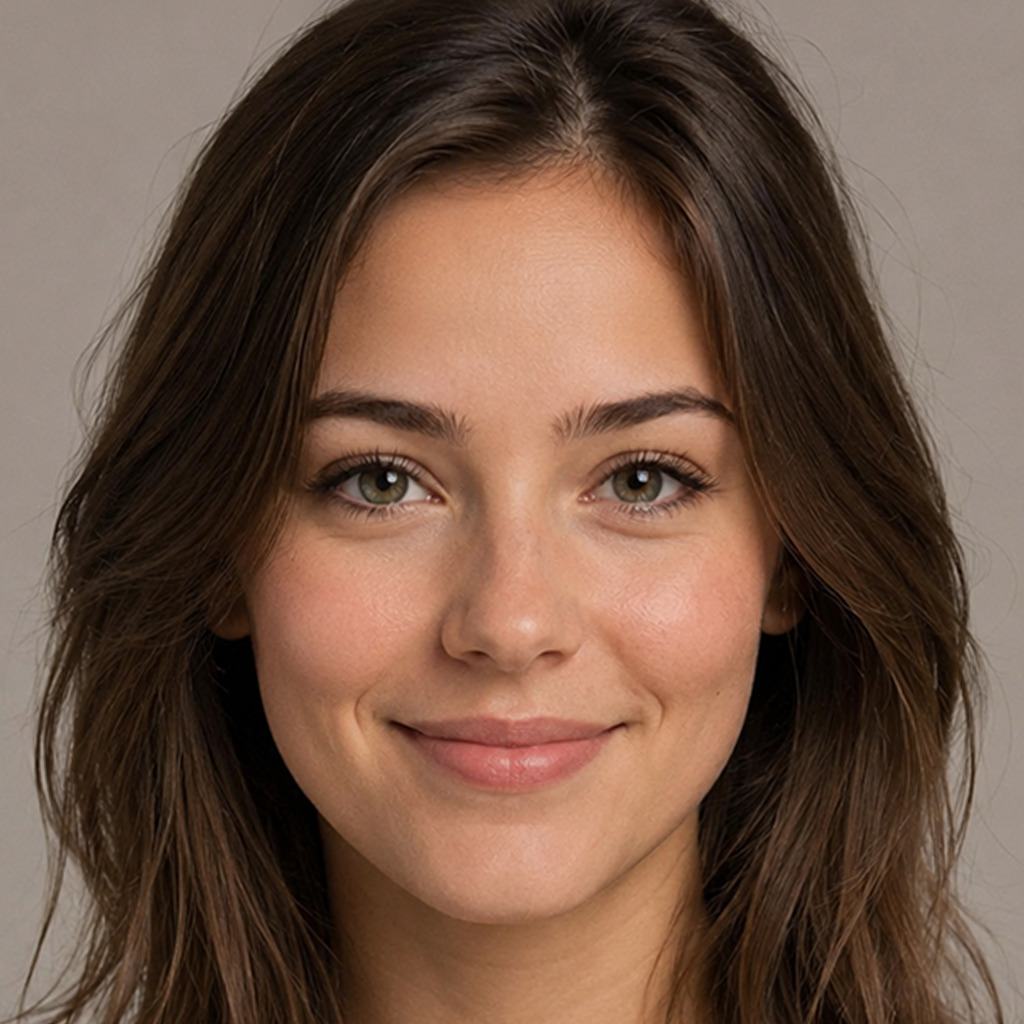
usage: morphace prep [-f] [-s OUTPUT_SIZE] [-x X_SCALE] [-y Y_SCALE]                     [-e EM_SCALE] [-a] [-l LANDMARK_MODEL] [--debug] [-h]                     [-V]                     source [aligned_dir]
Detect faces in raw images and prepare aligned square PNG crops for morphing.
positional arguments:  source                Path to a directory of images or a single image file  aligned_dir           Directory for aligned images (default:                        <source>/cropped for directories, same directory as                        source for files)
output options:  -f, --force           Overwrite existing aligned images (default: False)
alignment options:  -s, --output-size OUTPUT_SIZE                        Pixel dimension of the output square crop (default:                        1024)  -x, --x-scale X_SCALE                        Horizontal crop extent around face; >1.0 includes more                        context, <1.0 crops tighter (default: 1.0)  -y, --y-scale Y_SCALE                        Vertical crop extent around face; >1.0 includes more                        context, <1.0 crops tighter (default: 1.0)  -e, --em-scale EM_SCALE                        Shift crop center from eyes toward mouth (default:                        0.1)  -a, --alpha           Use alpha channel for padded regions instead of                        reflected padding (default: False)
model options:  -l, --landmark-model LANDMARK_MODEL                        Path to shape_predictor_68_face_landmarks_GTX.dat                        model file. If omitted, morphace checks                        MORPHACE_LANDMARK_MODEL and then the default user data                        directory. (default: None)
diagnostic options:  --debug               Enable debug-level logging (default: False)
general options:  -h, --help            show this help message and exit  -V, --version         show program's version number and exit
Example Usage
Section titled “Example Usage”Prepare a directory of raw images:
morphace prep /path/to/images/ /path/to/save/imagesPrepare a single image and save the prepared image to the same directory:
morphace prep /path/to/image.jpg